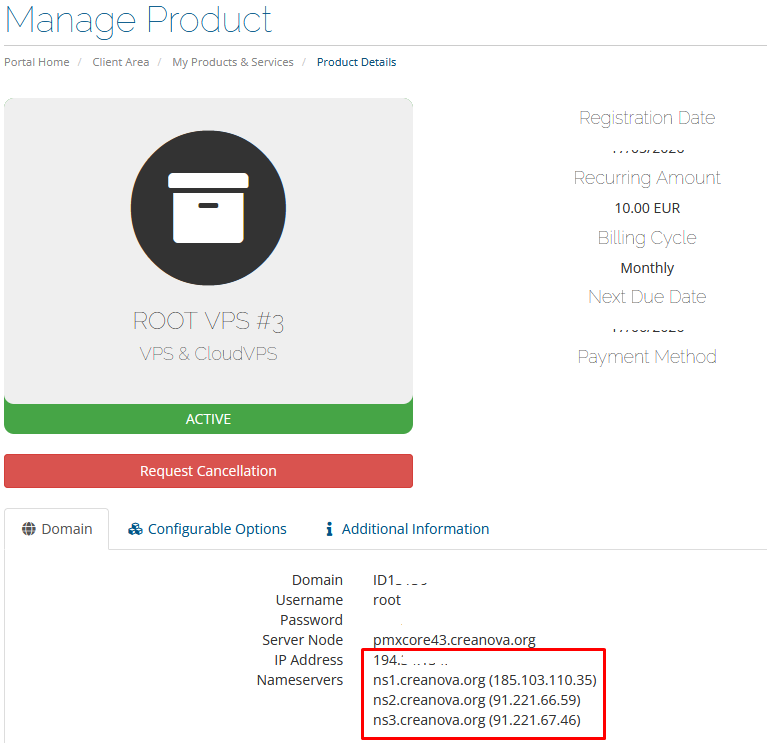
When installing the OS, use the following Network Settings:
1) Use STATIC IP address, not dhcp: you can see the ip address in product details (see screenshots below)
2) netmask: 255.255.255.0
3) gateway: same as ip address but last digit 1.
For example, if the ip address is 192.168.2.133, then the gateway will be 192.168.2.1
4) DNS: 91.221.66.59, 91.221.67.46
Where to find network settings:
1) Go to Services.
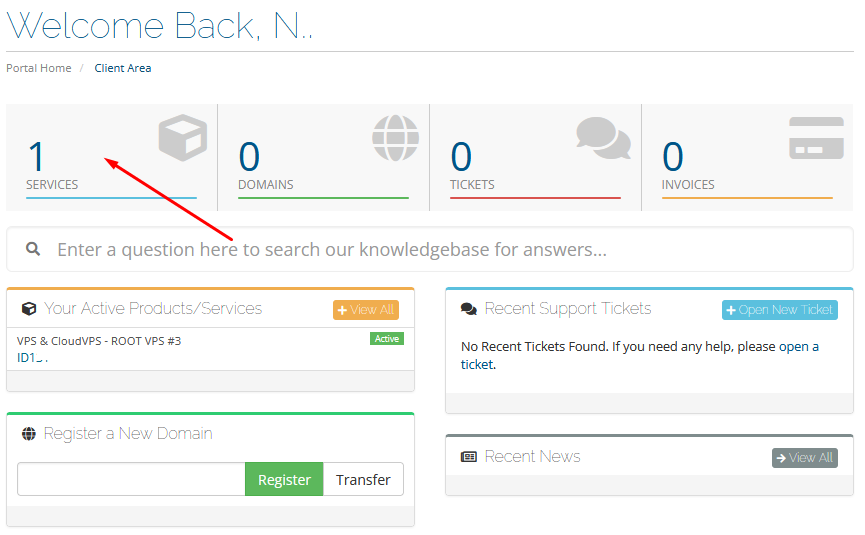
2) Select the desired service from the list.
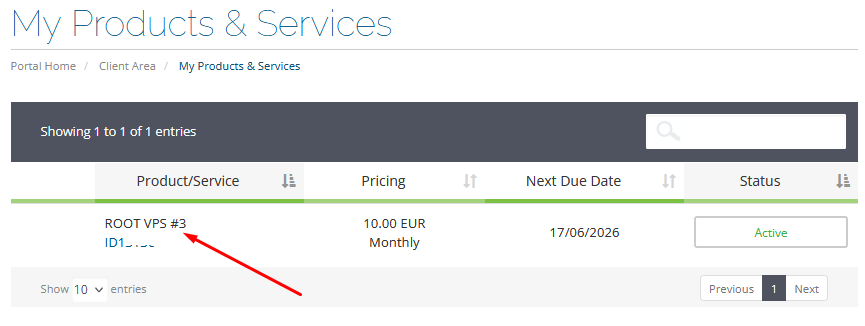
3) Here you'll see the IP address of your VPS.